This is part 3 of an article series. You can read the previous one here
So now that the server can store files, I want to be able to easily monitor it without needing to SSH into it or dig the laptop out from underneath my bed
Time to add a monitoring service, preferably with a web interface.
dash
Looking through awesome-selfhosted (great resource, highly recommend for anyone looking for things to run on their home server) I found a project called dash, a ligthweight web app that allows you to remotely monitor your server.
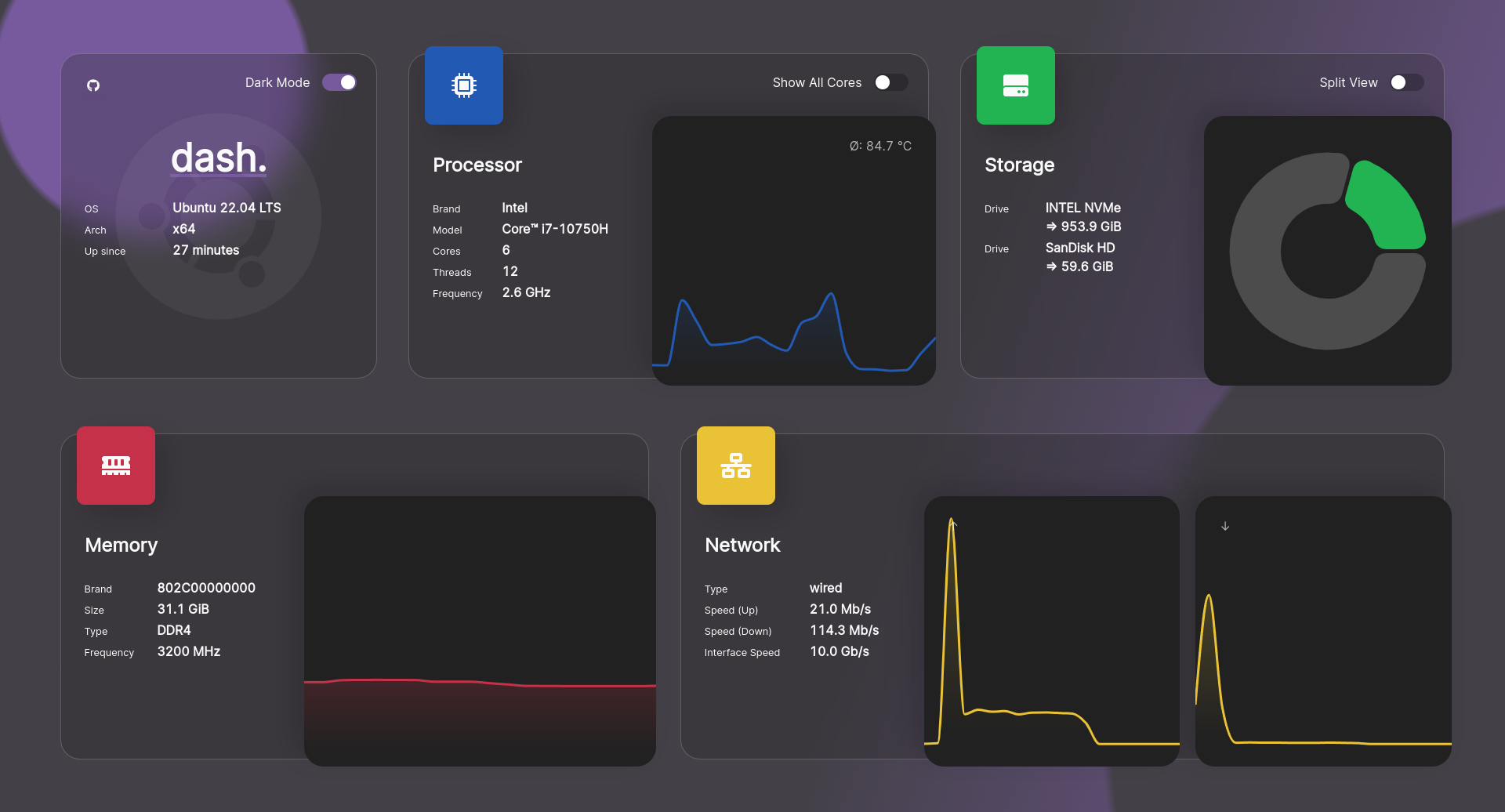 Source: https://getdashdot.com/
It’s very limited in features, only showing resource utilization but that’s all I really needed.
And it has a Docker image so setup/install is super easy. Once I got the image and spun up the container, it was running.
The new problem
I now have multiple HTTP servers running on my server, but since I can only use port 80, I can only have one active at the same time.